Highlights
- Apple is testing a new “Transfer to Android” feature in iOS 26.3 Beta 1
- Users will be able to move data wirelessly from iPhone to Android phones
- Feature appears in Settings → General → Transfer or Reset iPhone → Transfer to Android
- Works using Wi‑Fi and Bluetooth, similar to Apple’s AirDrop
- Contacts, messages, notes, photos and more can be moved, but some protected data is excluded
- Apple and Google are reportedly working together to make cross‑platform migration smoother
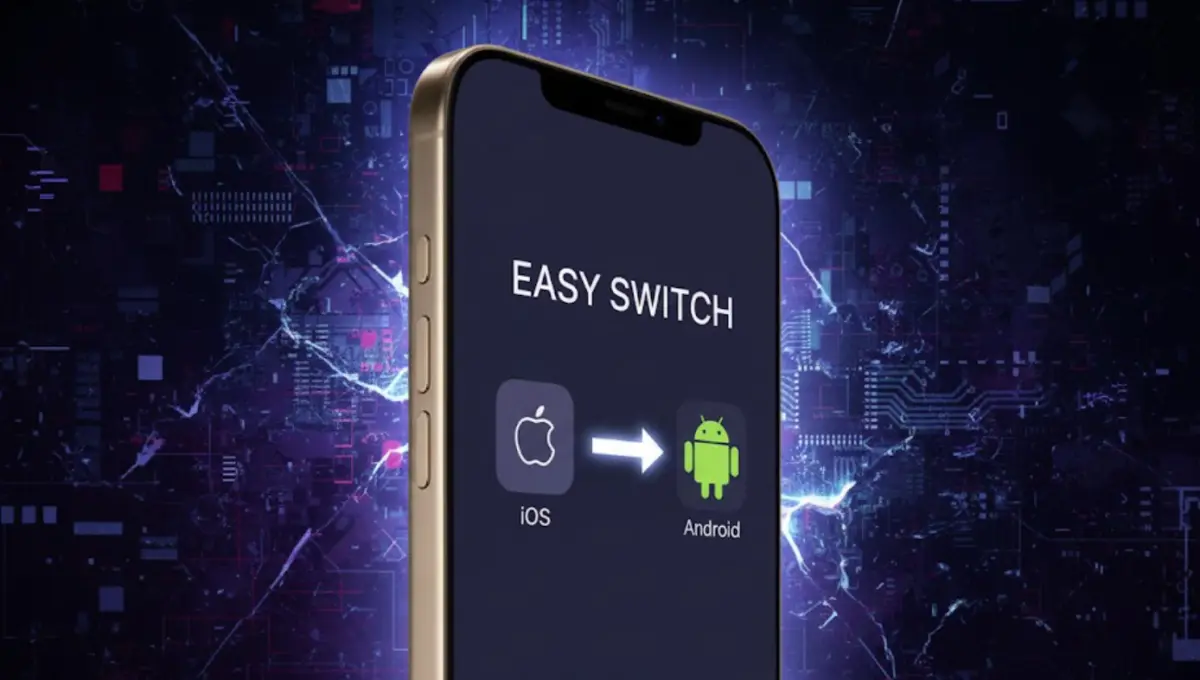
Apple is getting ready to make it much easier to move from an iPhone to an Android smartphone. In the upcoming iOS 26.3 update, a new feature called “Transfer to Android” has been spotted in iOS 26.3 Beta 1. This tool aims to reduce the time, effort and confusion usually involved in switching platforms.
Tech blogger Sujit Ram, founder of software77.in, explains that this change could remove one of the biggest headaches users face when changing from iOS to Android.
Built-In “Transfer to Android” Option in Settings
Until now, users generally had to rely on:
- Cables and adapters
- Brand-specific migration apps like Google’s “Switch to Android”
With iOS 26.3, Apple is adding “Transfer to Android” directly in the system settings:
- Settings → General → Transfer or Reset iPhone → Transfer to Android
From this menu, users will be able to move:
- Contacts
- Messages
- Notes
- Photos and other personal data
…directly to a new Android device, without using a physical cable.
Wireless Transfer Similar to AirDrop
The new system appears to use Wi‑Fi and Bluetooth for direct communication between the iPhone and the Android phone. The concept is quite similar to AirDrop:
- Place both devices close to each other
- Initiate the transfer from the iPhone
- The phones connect wirelessly and begin sending data
There will be multiple ways to start and confirm the transfer, such as:
- Scanning a QR code
- Using a session ID
- Entering a pairing code
This means users can complete the move with just the two phones in hand, without PCs, cables or extra accessories.
What Will Not Be Transferred
Not all data will be eligible for transfer. According to early information, some sensitive or protected data will stay on the iPhone, such as:
- Health-related data
- Certain Bluetooth-connected device settings
- Locked notes and other highly protected content
This is likely due to security and privacy limitations when moving between two different platforms.
Existing Migration Apps Will Still Work
Currently, users can already move between platforms using apps like:
- Switch to Android (for moving from iPhone to Android)
- Move to iOS (for moving from Android to iPhone)
These apps will continue to be available and useful, especially until Apple and Google fully roll out and refine the new OS-level migration feature in iOS 26.3 and future Android builds.
Still, by building migration tools directly into the operating system, both companies are clearly trying to lower the “fear factor” users feel when changing platforms.
What This Means for Users
Switching from iPhone to Android has always felt complex for many normal users. With iOS 26.3 and the Transfer to Android feature, that process could become much smoother, faster and more reliable.
Readers of software77.in following Sujit Ram’s coverage can expect more details on:
- Which iPhone and Android models will be supported
- How fast the transfer works in real life
- What data is fully copied and what still needs manual setup
Once the official iOS 26.3 release and compatible Android updates are available, the real experience will become clear.
Source
About the Author